
Acquire & book
A professional booking experience clients can access anywhere.
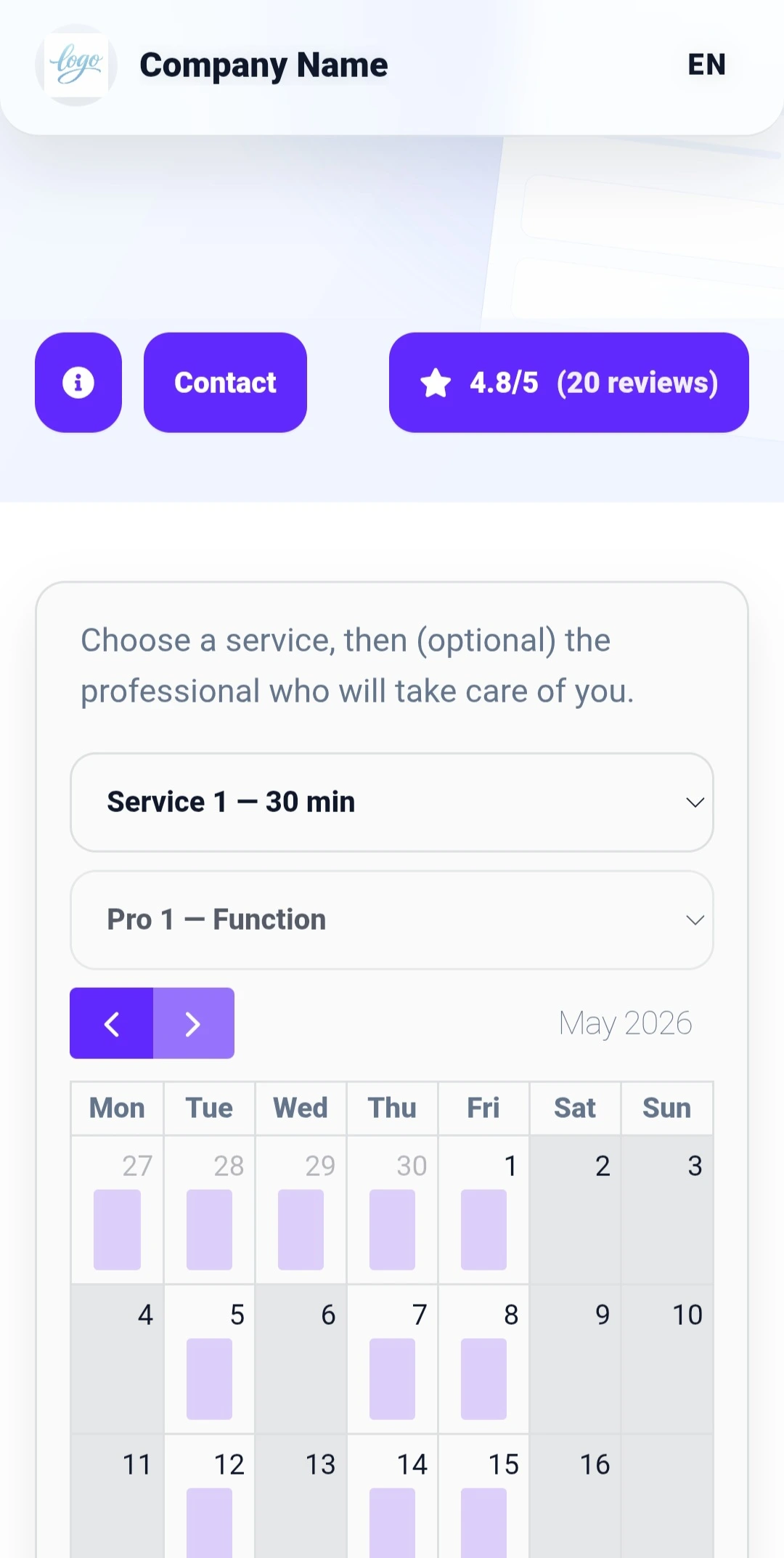
- Public booking page
- Service and professional selection
- Website button / widget and QR code
- Business branding, colors and typography
RDVnow connects a 24/7 online booking experience to the tools your business uses every day: services, professionals, availability, client records, reminders, payments, invoicing and follow-up.
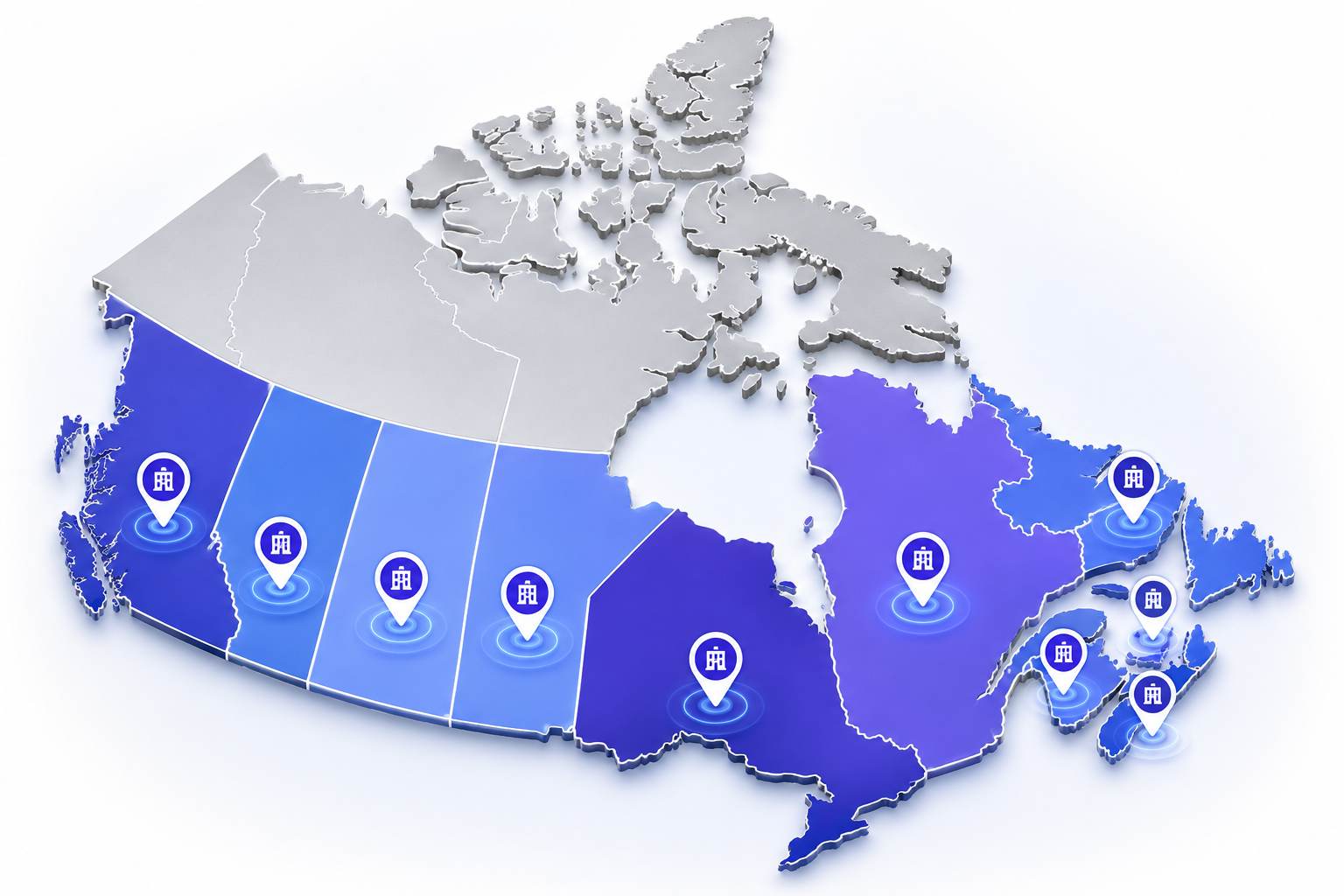
From British Columbia to Newfoundland and Labrador, RDVnow supports service businesses that manage appointments every day.
Use RDVnow for one professional or a team, for public booking, internal scheduling, or a combination of both.
 Hair salon
Haircuts, color services, highlights, blowouts and team scheduling structured around the pace of the salon.
See this use case
Hair salon
Haircuts, color services, highlights, blowouts and team scheduling structured around the pace of the salon.
See this use case
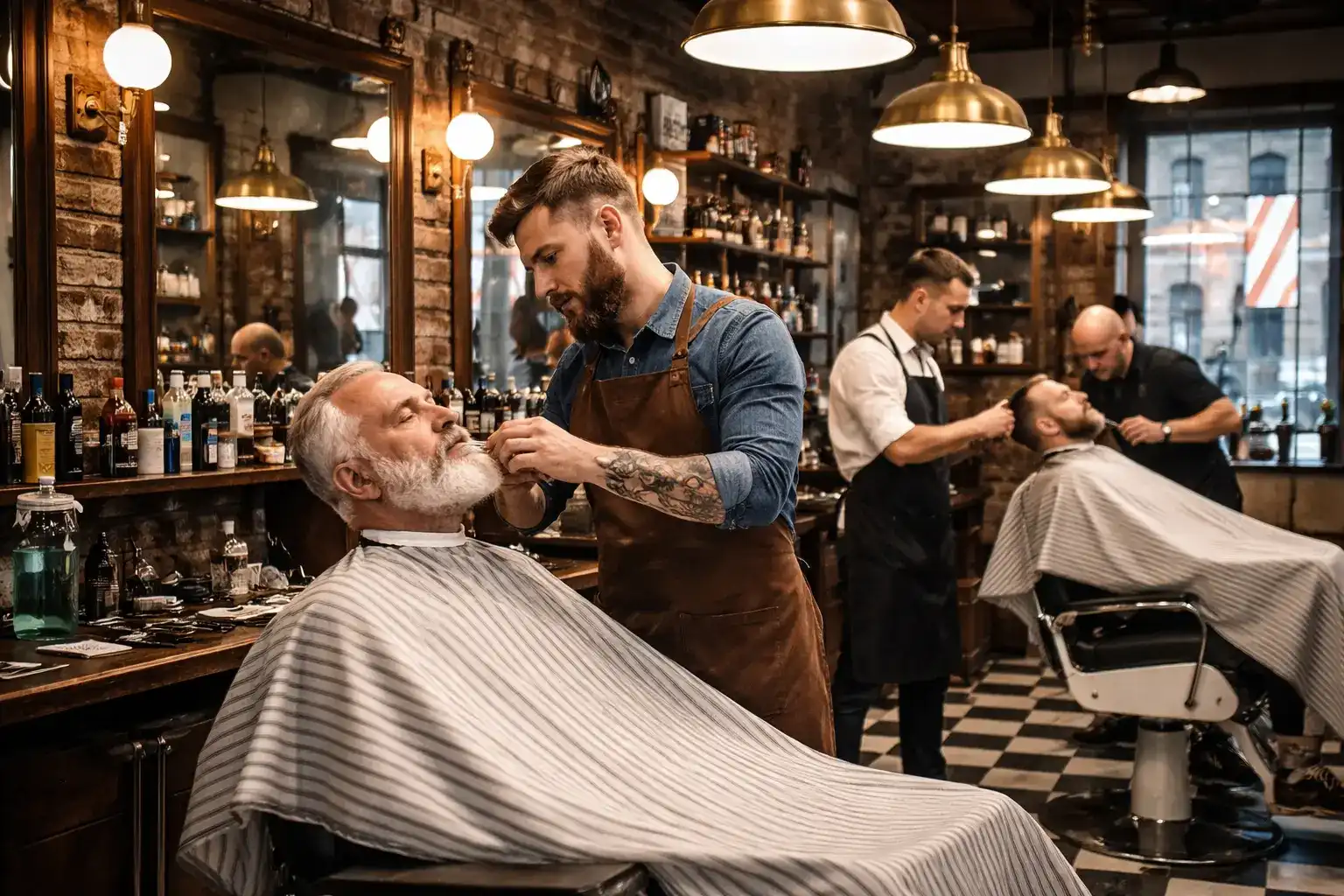 Barber shop
Haircuts, beard services, line-ups and tight appointment slots organized around the actual pace of the barber shop.
See this use case
Barber shop
Haircuts, beard services, line-ups and tight appointment slots organized around the actual pace of the barber shop.
See this use case
 Medical clinic
Consultations, follow-up visits and availability structured around the operating model of the clinic.
See this use case
Medical clinic
Consultations, follow-up visits and availability structured around the operating model of the clinic.
See this use case
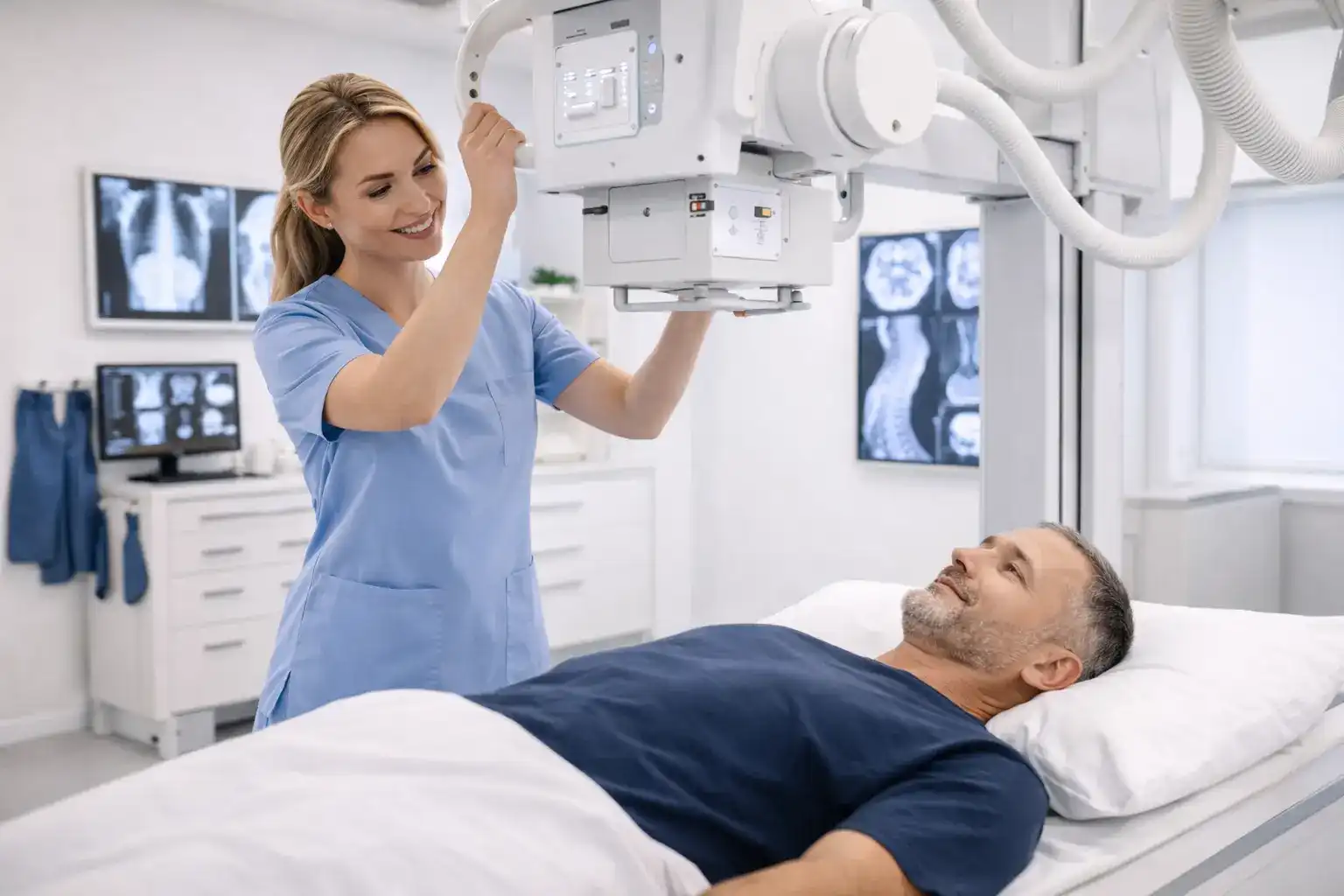 Radiology
Exams, preparation slots and availability structured around the operating model of the service.
See this use case
Radiology
Exams, preparation slots and availability structured around the operating model of the service.
See this use case
 Dental clinic
Dental exams, cleanings, follow-up visits and treatments structured around the operating model of the clinic.
See this use case
Dental clinic
Dental exams, cleanings, follow-up visits and treatments structured around the operating model of the clinic.
See this use case
 Beauty studio
Facials, hair removal, lashes, brows and body treatments structured around team specialties.
See this use case
Beauty studio
Facials, hair removal, lashes, brows and body treatments structured around team specialties.
See this use case
 Nail salon
Manicures, full sets, fills, gel polish and nail art structured around the pace of the salon.
See this use case
Nail salon
Manicures, full sets, fills, gel polish and nail art structured around the pace of the salon.
See this use case
 Massage therapy
Sessions, durations, follow-up and availability structured around the actual operating model of the practice.
See this use case
Massage therapy
Sessions, durations, follow-up and availability structured around the actual operating model of the practice.
See this use case
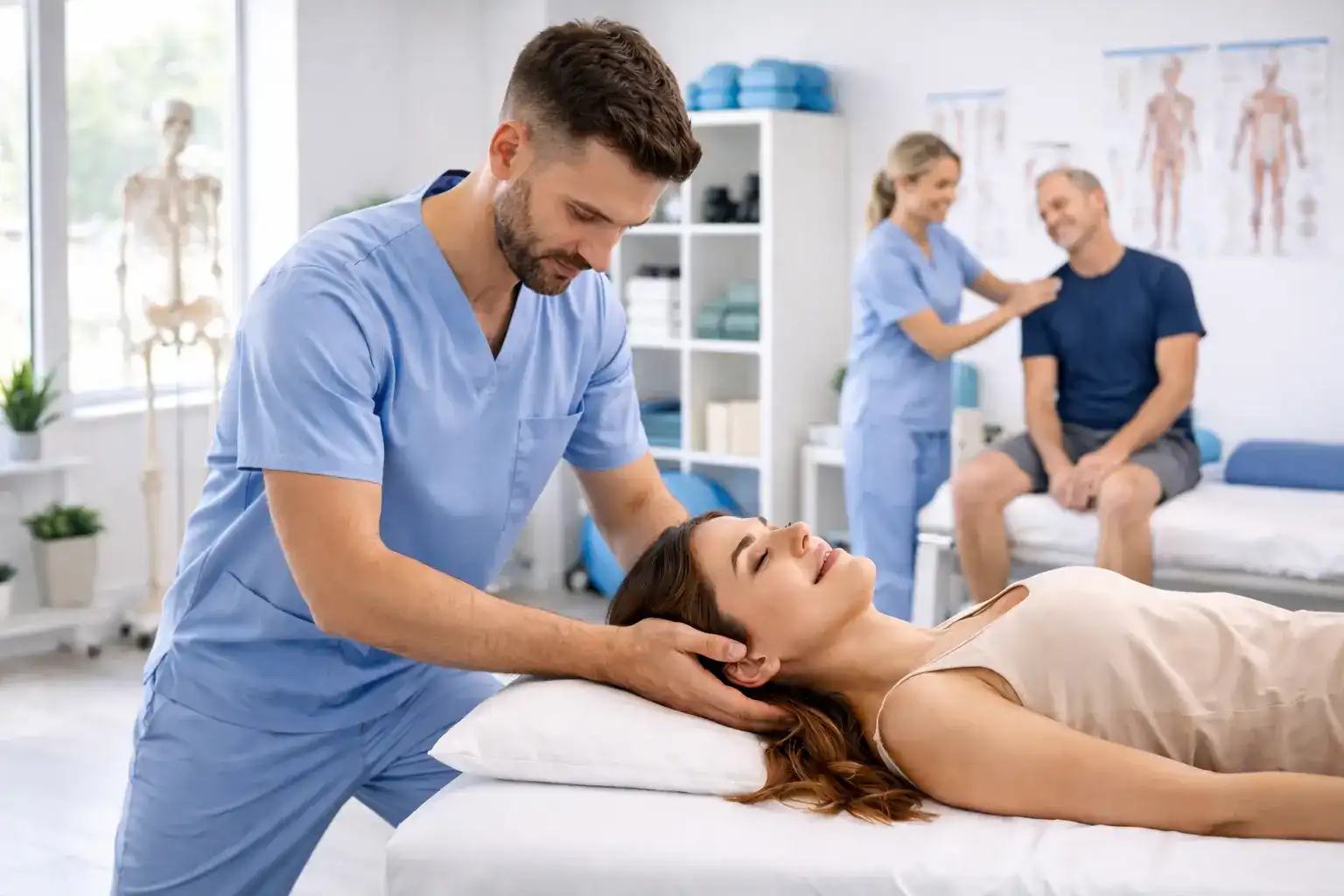 Physiotherapy
Initial assessments, follow-up visits, treatments and availability structured around clinical operations.
See this use case
Physiotherapy
Initial assessments, follow-up visits, treatments and availability structured around clinical operations.
See this use case
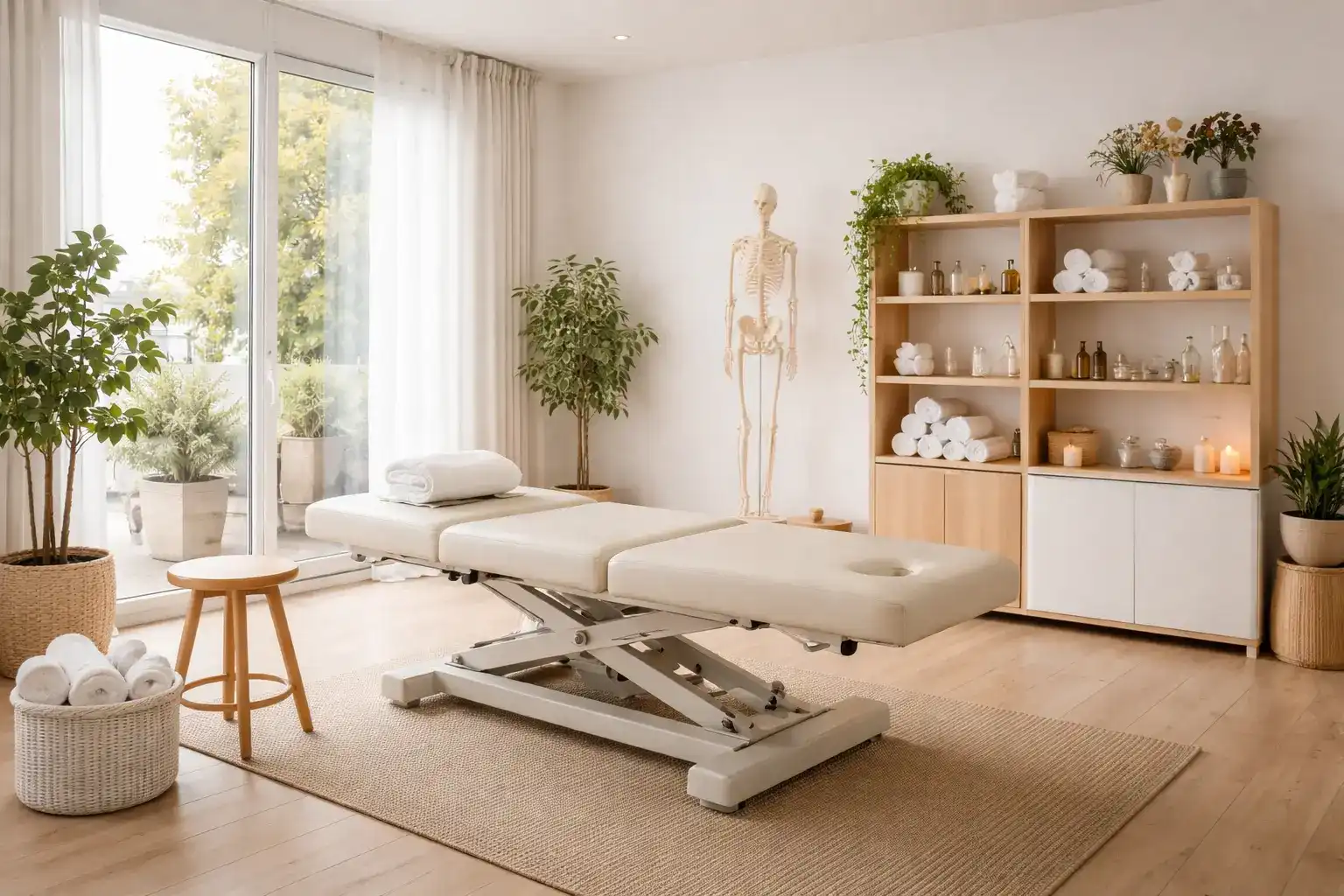 Osteopathy
Initial consultations, follow-up visits, sessions and availability structured around the operating model of the practice.
See this use case
Osteopathy
Initial consultations, follow-up visits, sessions and availability structured around the operating model of the practice.
See this use case
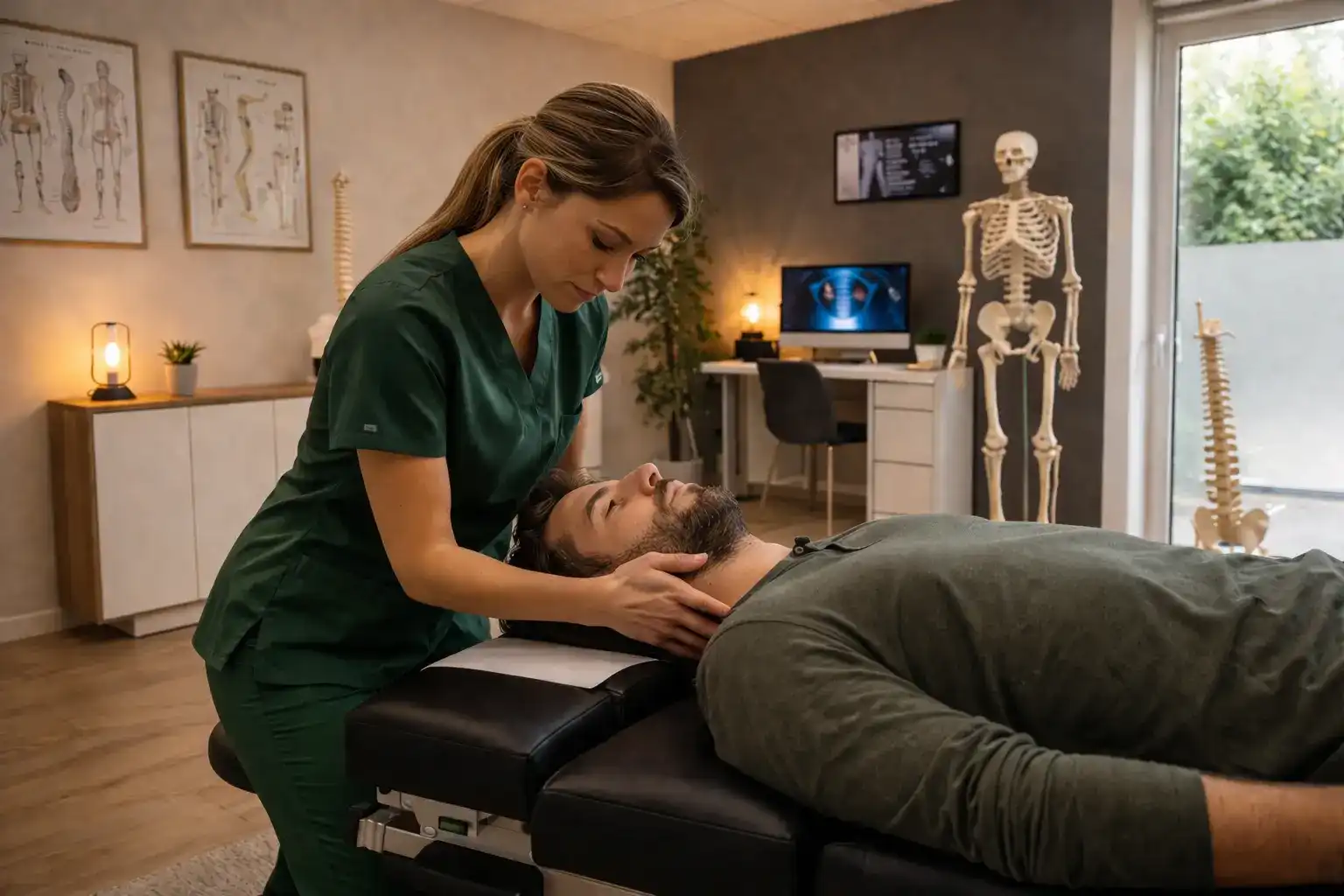 Chiropractic
Initial consultations, follow-up visits, adjustments and availability structured around clinical operations.
See this use case
Chiropractic
Initial consultations, follow-up visits, adjustments and availability structured around clinical operations.
See this use case
 Accounting / tax
Consultations, tax meetings, file follow-up and availability structured around the pace of the firm.
See this use case
Accounting / tax
Consultations, tax meetings, file follow-up and availability structured around the pace of the firm.
See this use case
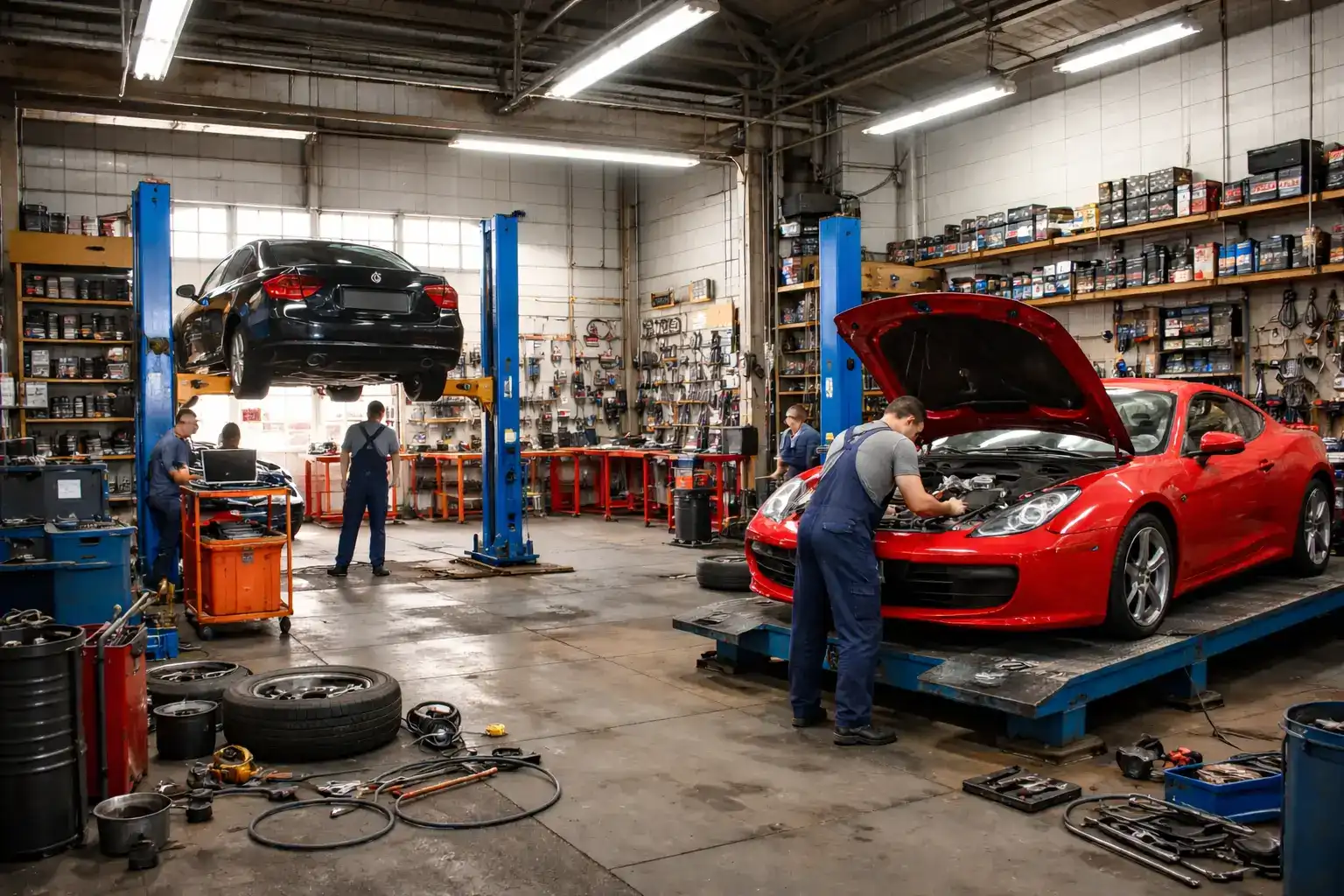 Auto repair shop
Maintenance, oil changes, brakes, tires, diagnostics and workshop scheduling structured around the operating model of the shop.
See this use case
Auto repair shop
Maintenance, oil changes, brakes, tires, diagnostics and workshop scheduling structured around the operating model of the shop.
See this use case
 Any other appointment-based business
For any activity that organizes services, availability, professionals or appointments, with public booking, internal scheduling, or both.
Try it for your business
Any other appointment-based business
For any activity that organizes services, availability, professionals or appointments, with public booking, internal scheduling, or both.
Try it for your business
RDVnow is not just a booking page. It connects the client experience to the internal work that keeps your schedule usable.
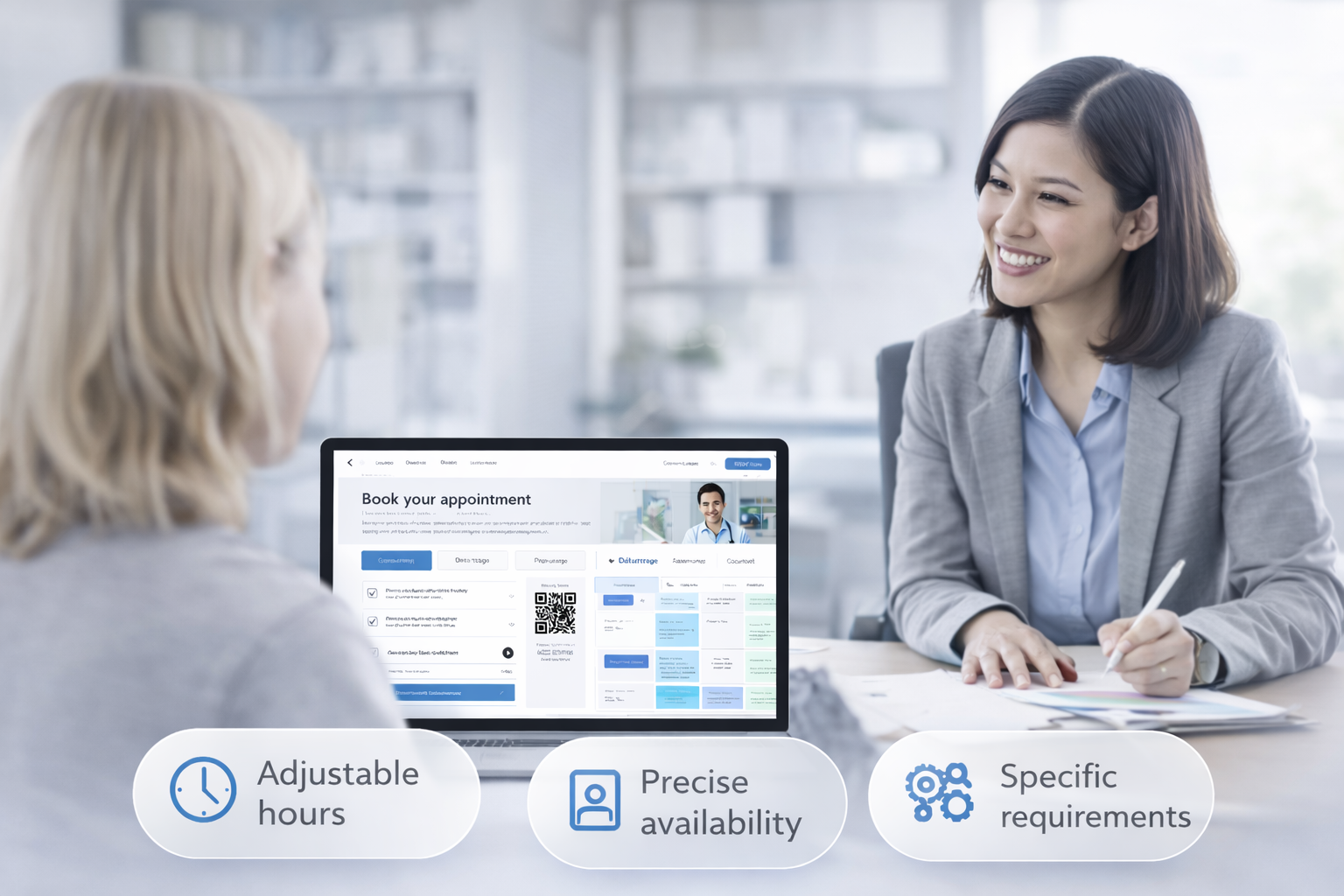
The client opens your branded page, chooses a service, chooses a professional when relevant, sees available time slots and confirms the appointment.
Your team works from an internal calendar connected to services, professionals, availability, client records and the actions that happen before and after an appointment.
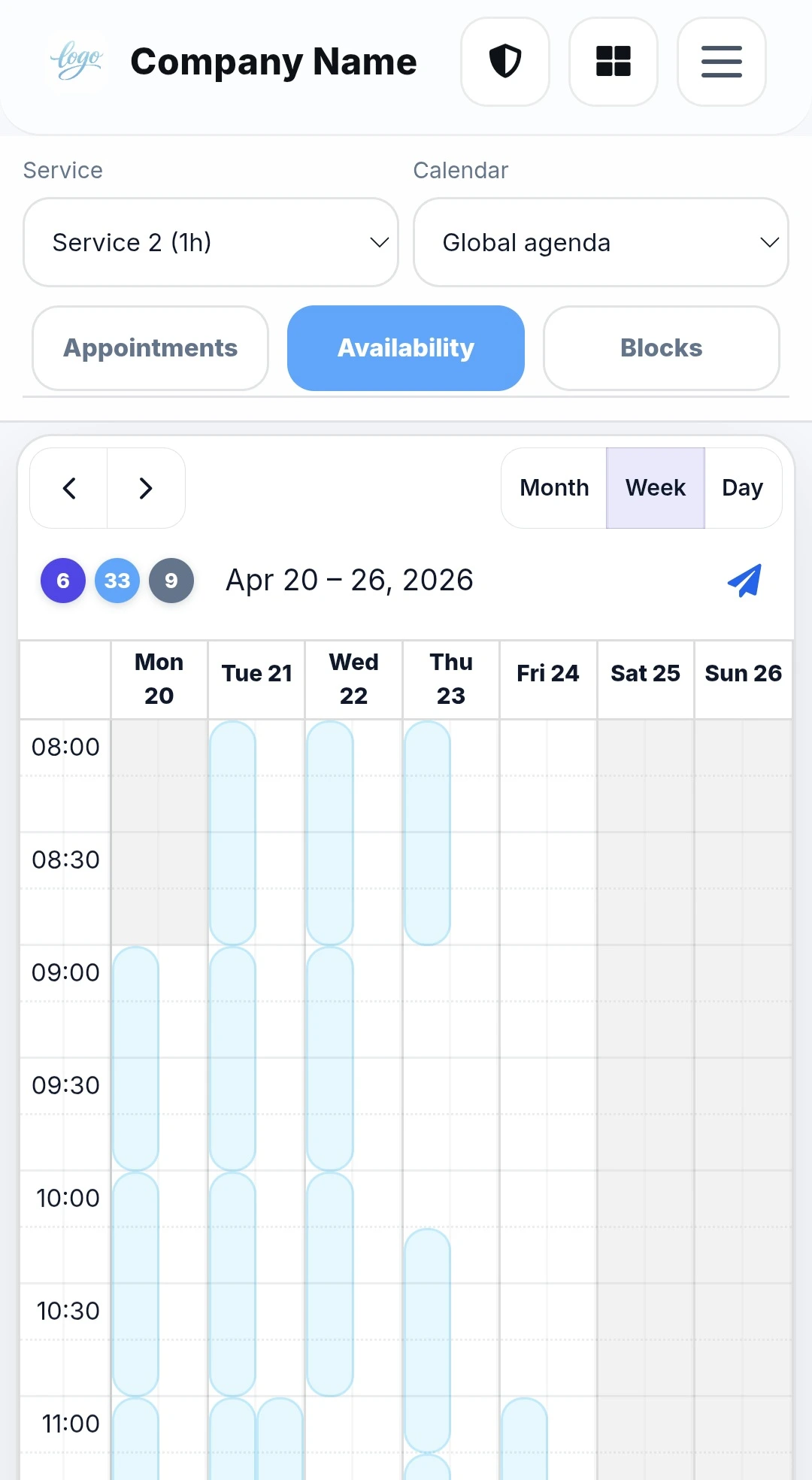
The platform does not promise that every client will show up or that every business problem disappears. It gives you a clearer system: availability is structured, communication can be automated, information stays centralized and the client follows a consistent booking path.
The trial is made to let you configure the business, use the calendar and test booking with real operating conditions — without a payment card.
Additional capacity is not hidden inside the base price.
Guides and articles about scheduling, client communication and the day-to-day realities of service businesses.
As soon as a business runs on appointments, its efficiency depends directly on the quality of its organization. Without a clear system, calls pile up, back-and-forth messages take time, last-minute changes create…
Read article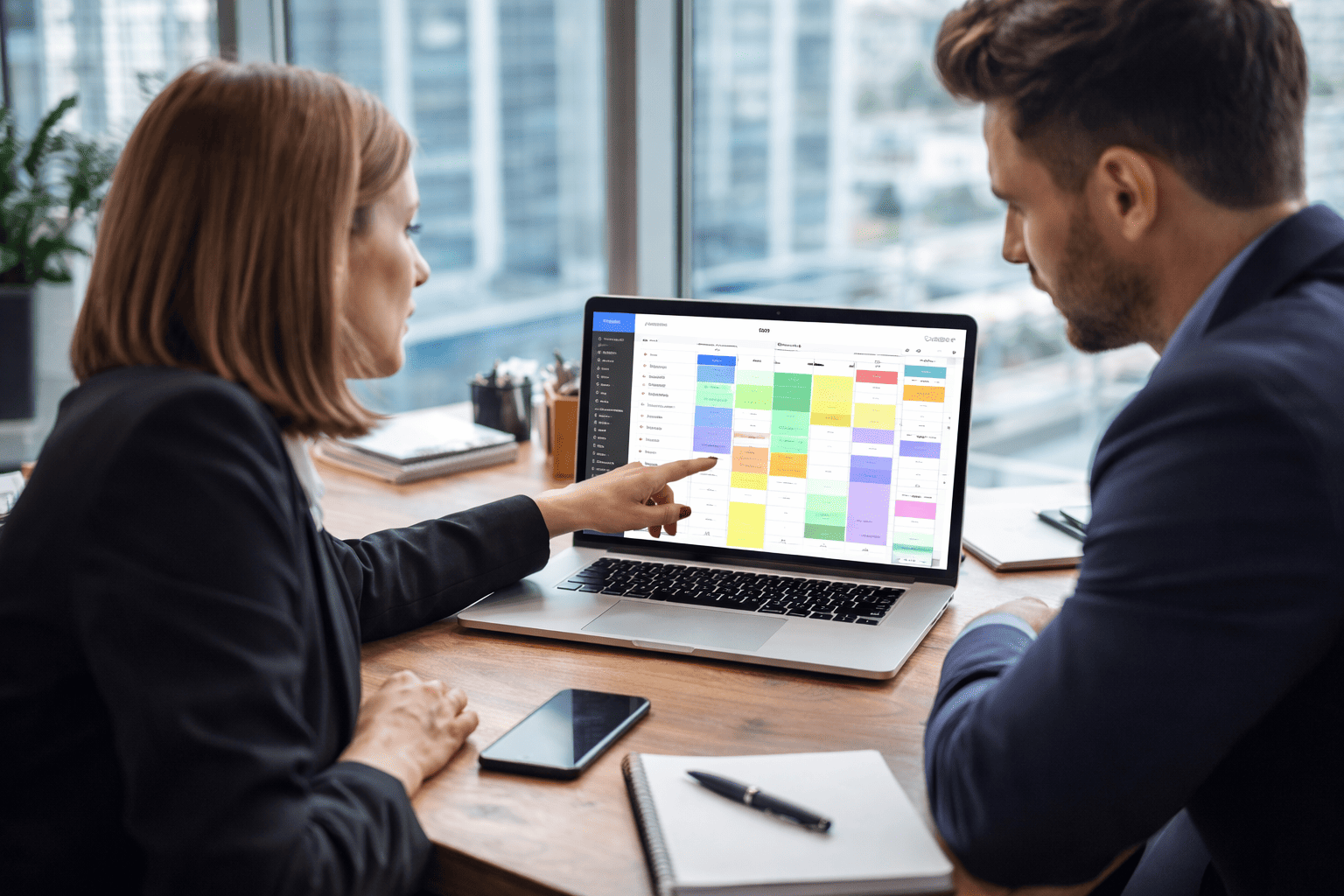
When a business operates through appointments, booking becomes a direct part of daily organization. Every call, every message, and every schedule change can take time and disrupt the flow of the day. Booking software…
Read article
No-shows are not just missed appointments. They have a direct impact on profitability, organization, and service quality. When a client fails to show up without notice, that time slot often stays empty, the team loses…
Read articleThe important questions about what RDVnow does and how the platform fits into daily operations.
Ask us a questionRDVnow is designed for service businesses in Quebec and across Canada that need a simple solution to manage appointments, automated reminders and internal organization.
Yes. RDVnow works for both a solo business and a team, with an organization adapted to appointments, services and availability.
Clients can access the booking page from your website, a direct link, a button or a QR code, depending on how you want to share it.
Yes. Automated email and SMS reminders help clients remember their appointment and support a more precise and stable schedule.
Yes. RDVnow can let a business collect a deposit or the full payment at the time of booking, depending on how the booking flow is configured.
RDVnow helps organize appointments, services, staff and availability for day-to-day operations.
No. RDVnow does not only handle booking. It also includes internal scheduling, personalization of the booking experience, task automation, email and SMS reminders for upcoming appointments, client follow-up, satisfaction tracking, client files, booking payments, deposits, invoicing and payment receipts.
Configure your business, services, team, booking page and calendar. Use real appointments. Keep Premium only if RDVnow fits the way you work.